Project Overview
Core Details
- Project: Empathy Learning App for Kids
- Role: UX/UI Designer
- Platform: Tablet App (iOS)
- Audience: Children 6–10 years old
Why This Matters
- Children today have lots of screen time but fewer real-life social experiences
- Empathy & emotional awareness are critical skills to build early
- Goal: teach emotions + kindness through fun, interactive play
- Combines visual storytelling, gamification and positive reinforcement
The Problem
Key Challenges
- Many kids struggle to recognize their own emotions and others’
- Difficulty responding empathetically in school / friendship situations
- Traditional emotion lessons often feel boring or too abstract
- Need an engaging, age-appropriate way to practice empathy in real-life context
The Solution
How We Solve It
A game-based empathy app designed to teach emotional awareness in a joyful, safe way.
Visual emotion recognition
Real-life relatable scenarios
Simple choices + positive reinforcement
Levels, rewards & encouragement
Making empathy fun, safe, and easy to practice.
Design Process
1. Understanding the Users
Children learn best through visuals, repetition, and encouragement. The app avoids punishment and instead reinforces positive emotional responses.
2. Interaction Design
• Large buttons for easy tapping
• Minimal text with clear language
• Friendly characters and illustrations
• Guided flows with no dead ends
3. Visual Design
• Soft pastel color palette to feel calm and welcoming
• Rounded shapes to feel friendly and non-threatening
• Expressive character faces to model emotions clearly
Key Screens & Features
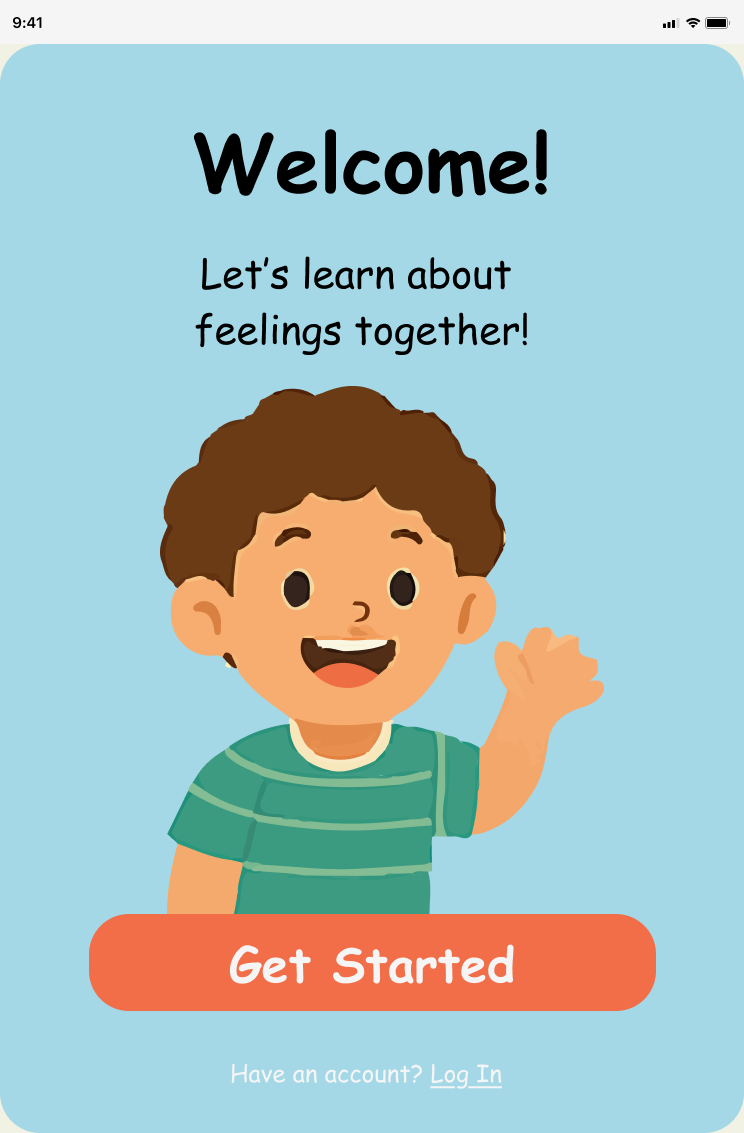
Onboarding & Welcome
Introduces the app in a fun, friendly way and prepares kids for an emotional learning journey.
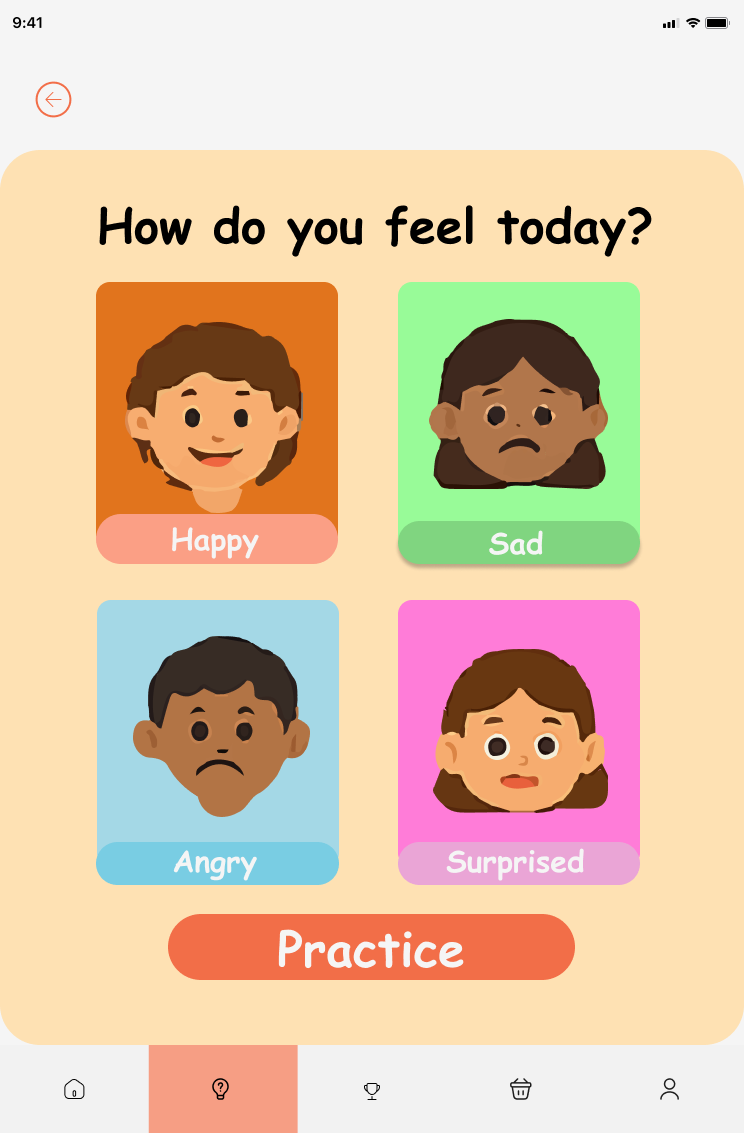
Emotion Selection
Kids identify how they feel today, building emotional self-awareness.
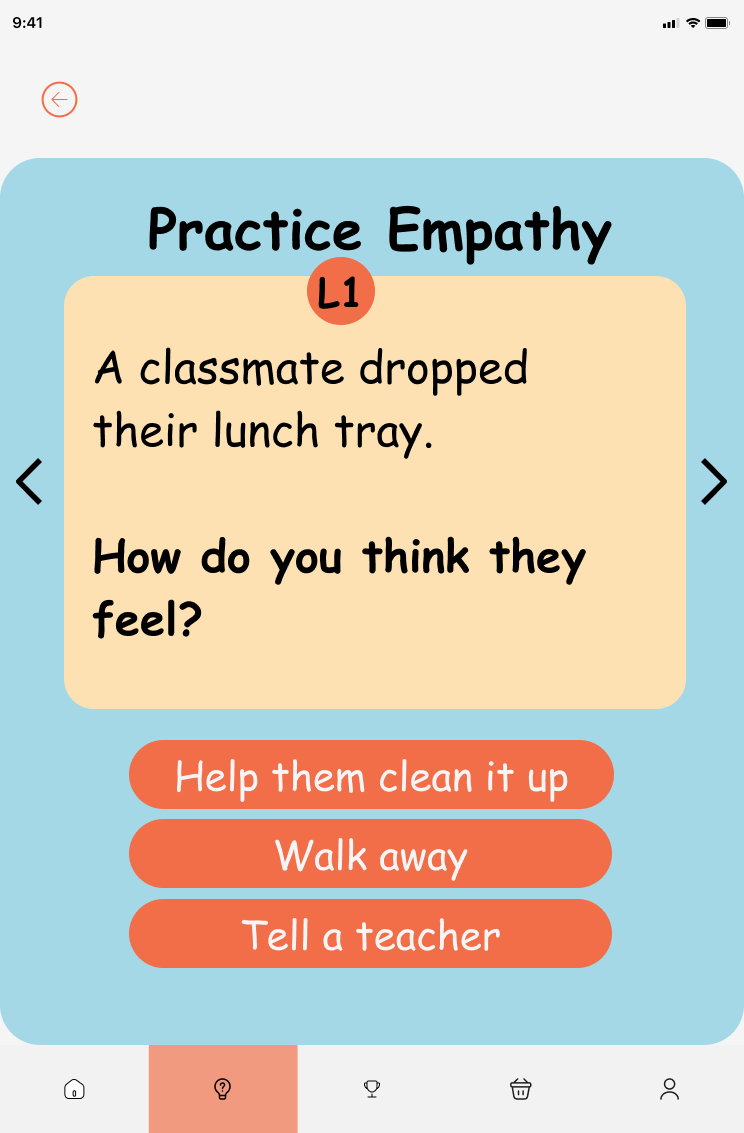
Practice Empathy Scenarios
Relatable situations (e.g., classmate dropping lunch) how does the other person feel?
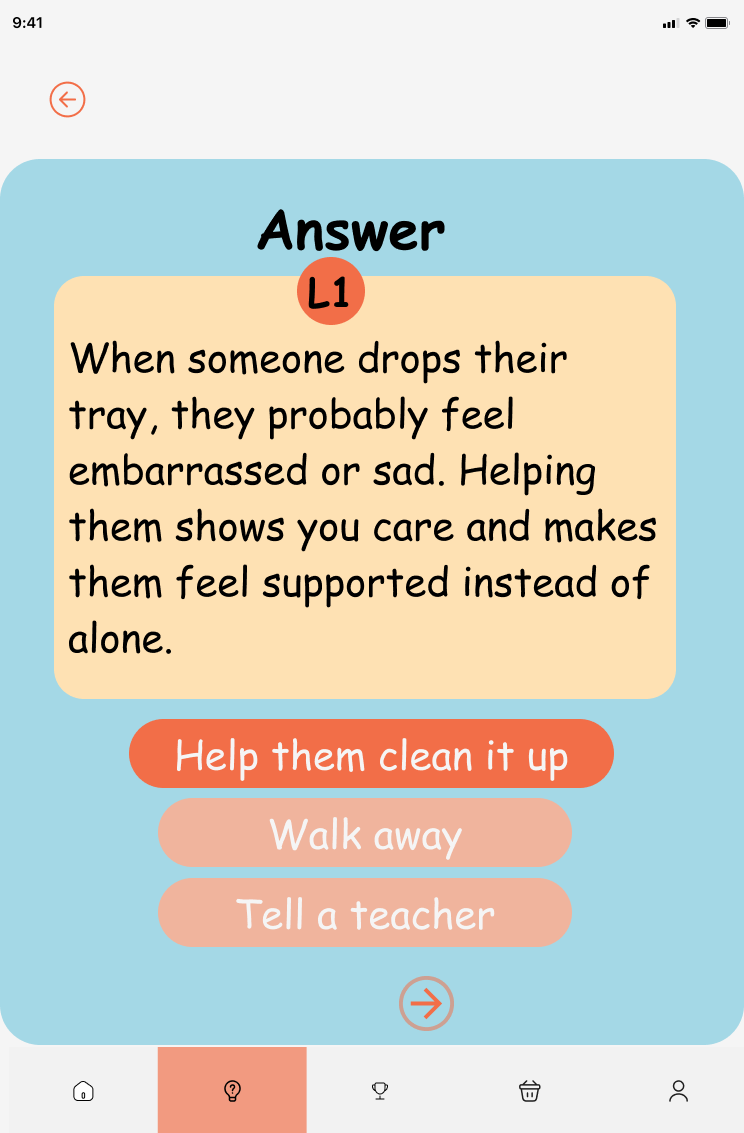
Guided Empathy Answers
Explains why a response is empathetic, reinforcing learning without judgment.
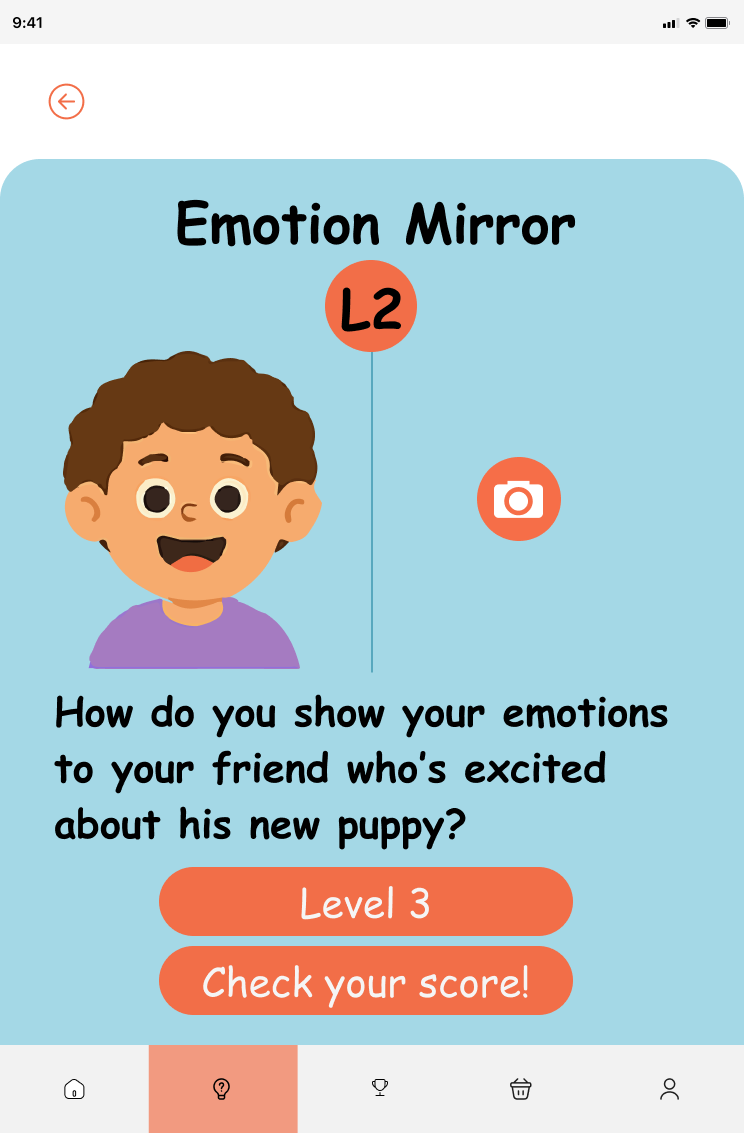
Emotion Mirror (Camera)
Kids mirror facial expressions using the camera to connect emotions to real cues.
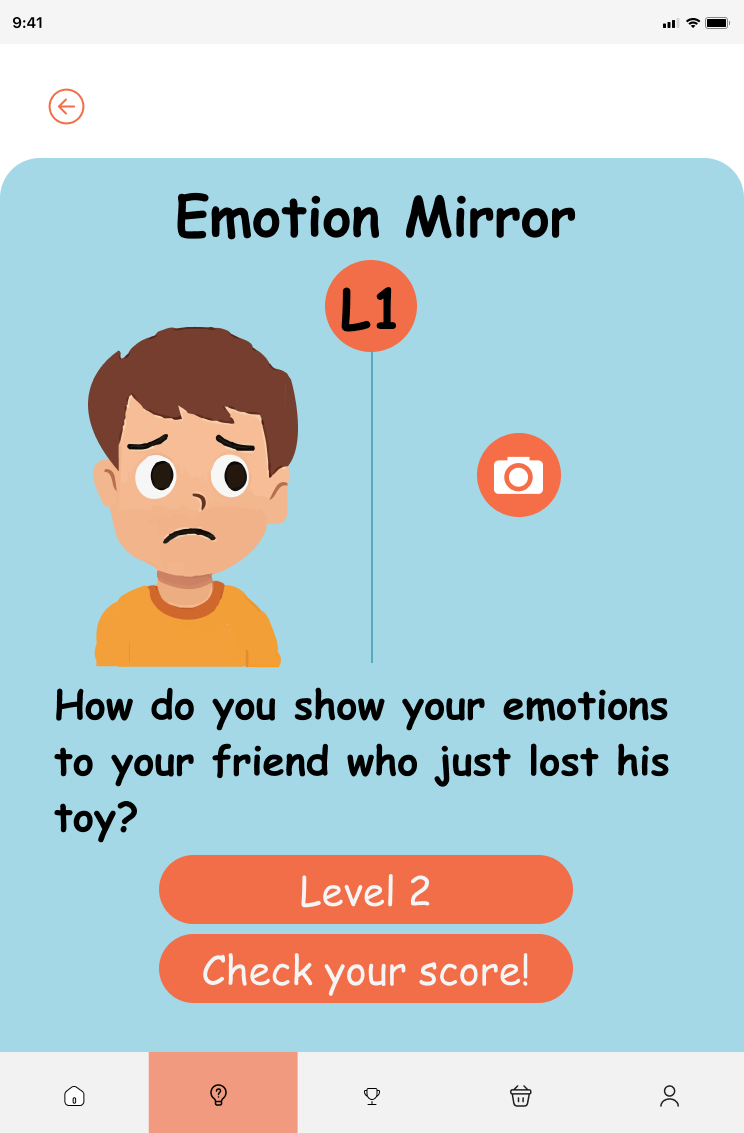
Level Progression (L1)
Gradually increases emotional complexity.
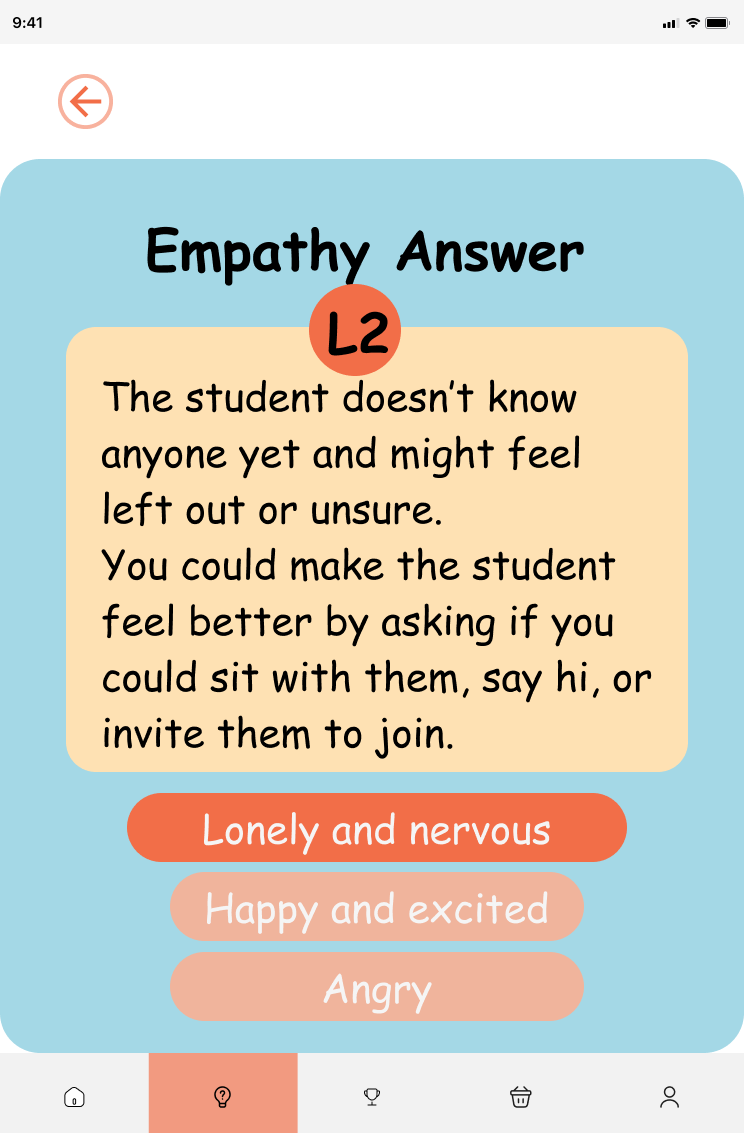
Level Progression (L2)
More nuanced scenarios to build skills.
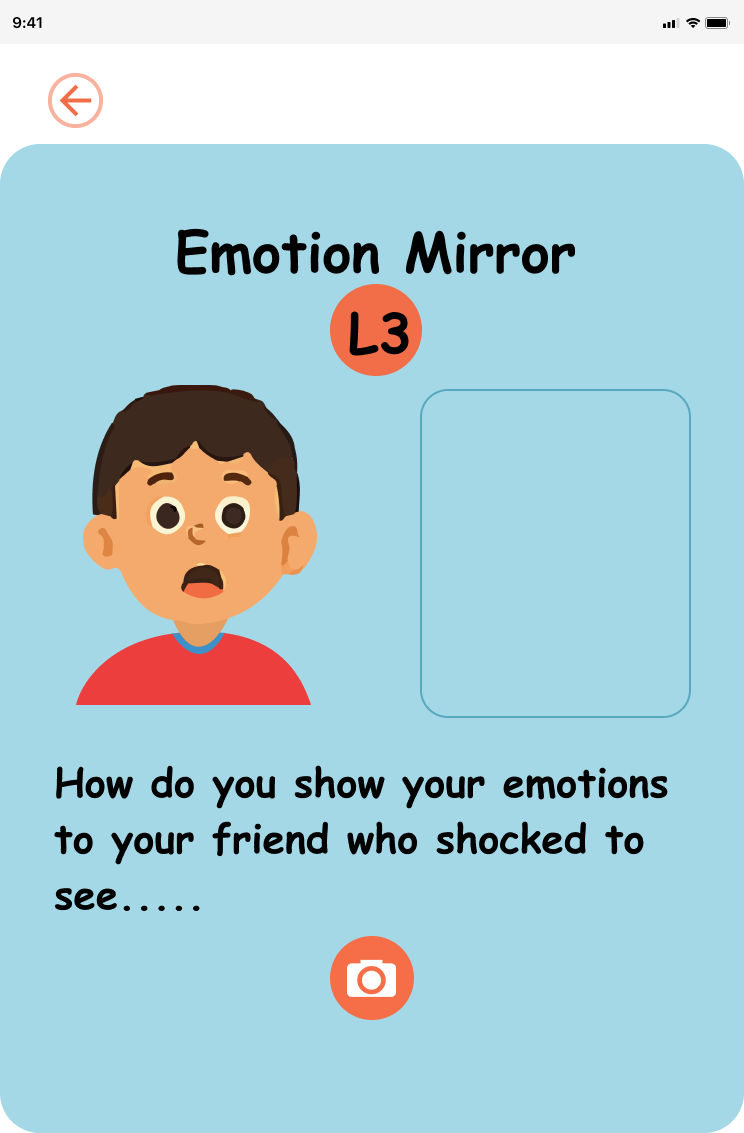
Level Progression (L3)
Advanced emotional understanding.
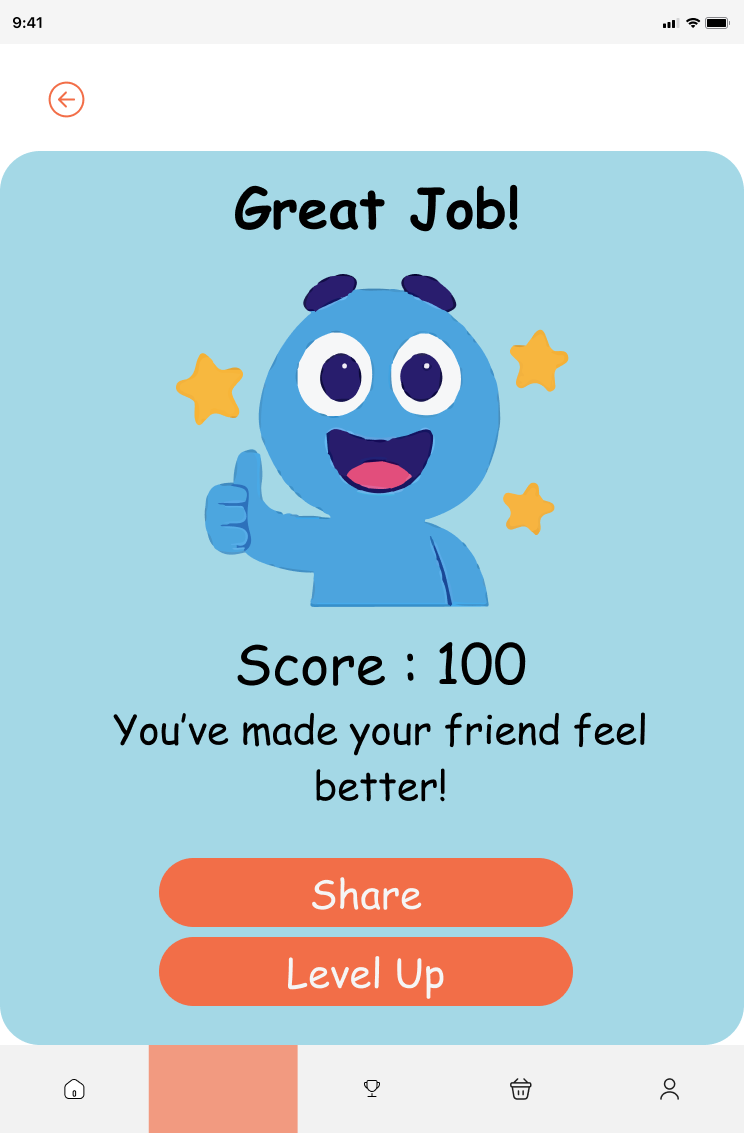
Rewards & Positive Feedback
Celebrates effort with stars and encouraging messages.
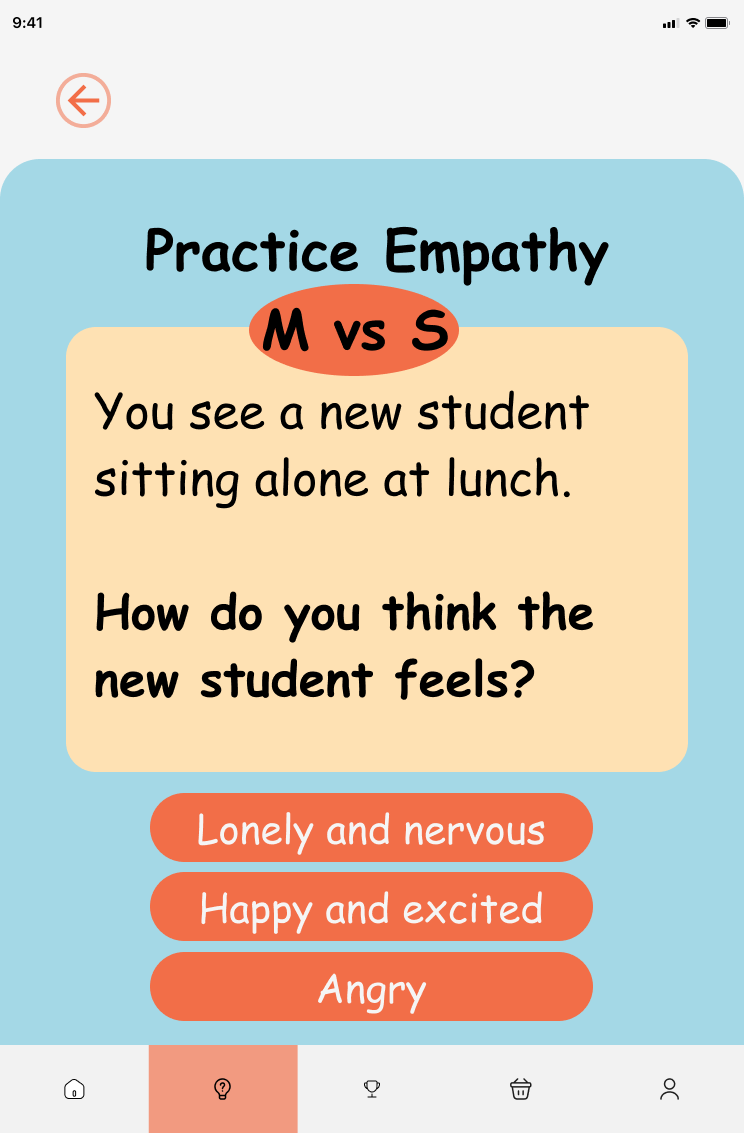
Question / Answer Example
Interactive choice-based learning moment.
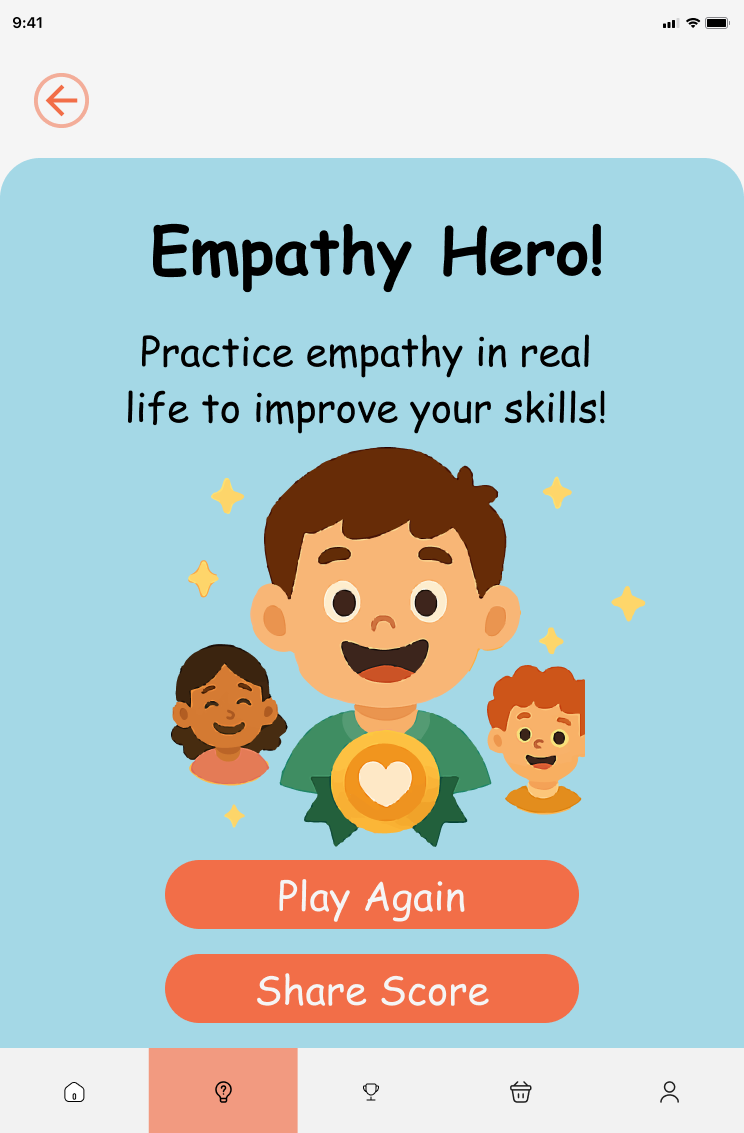
Positive Reinforcement
Encouraging feedback screen.
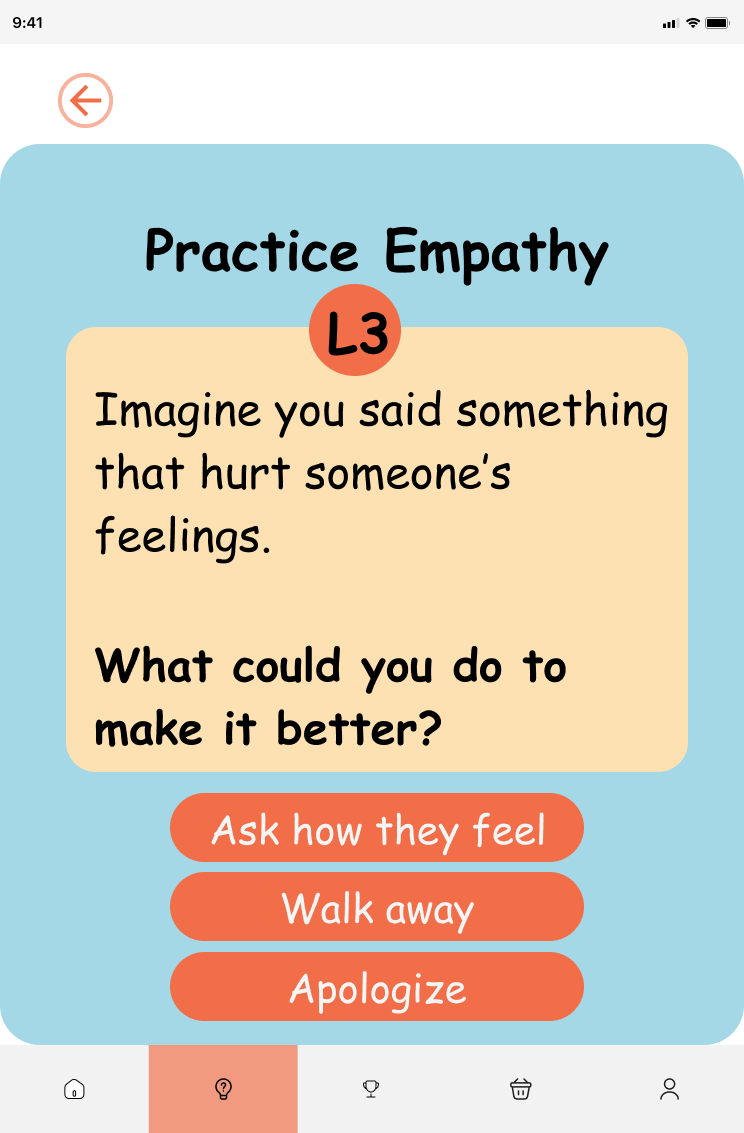
Scenario Example
Another relatable situation.
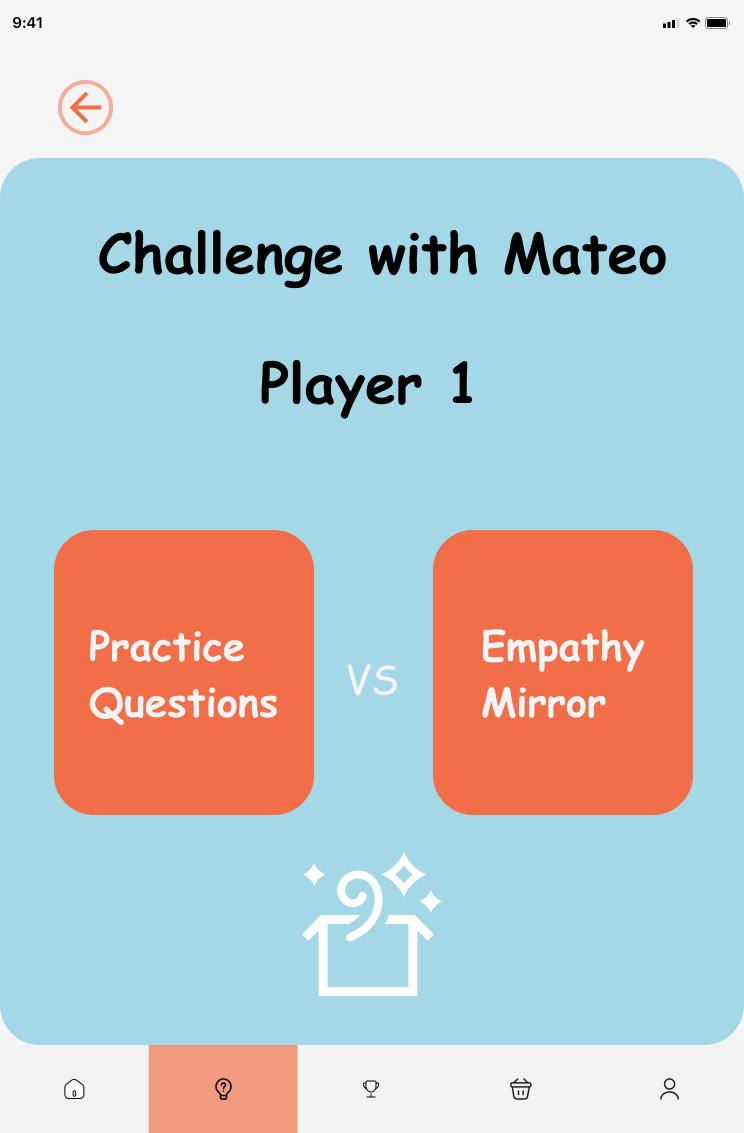
Choice Screen
Making empathetic decisions.
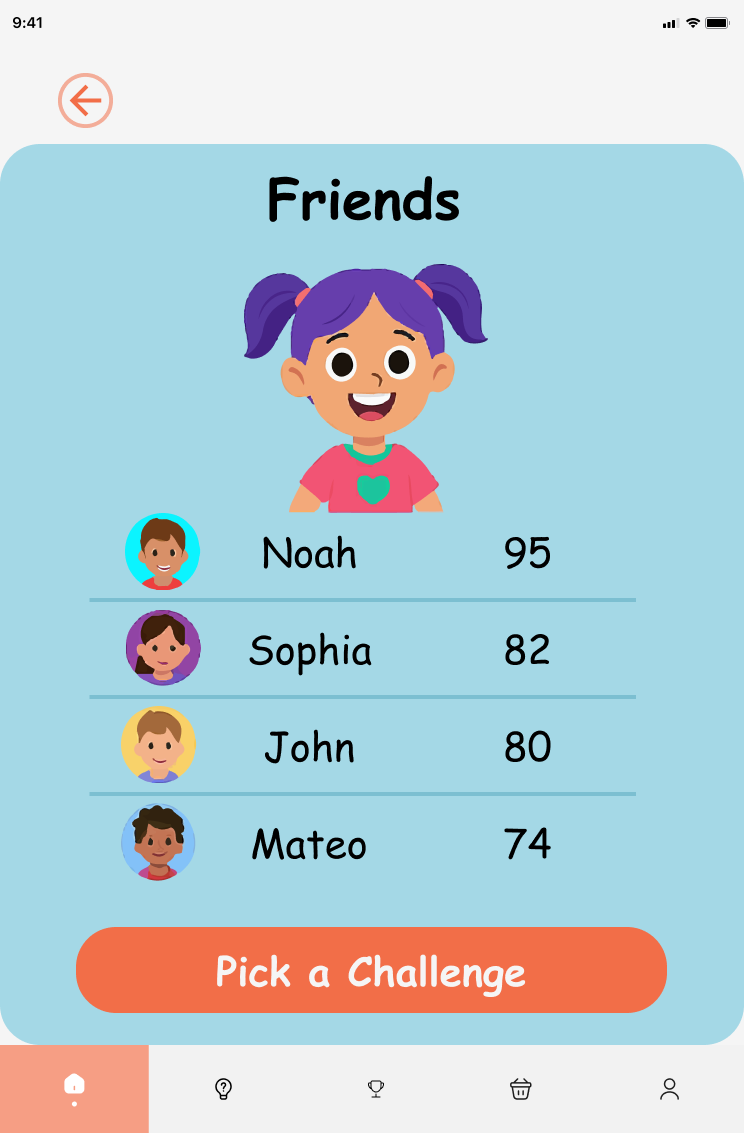
Result / Explanation
Learning moment after choice.
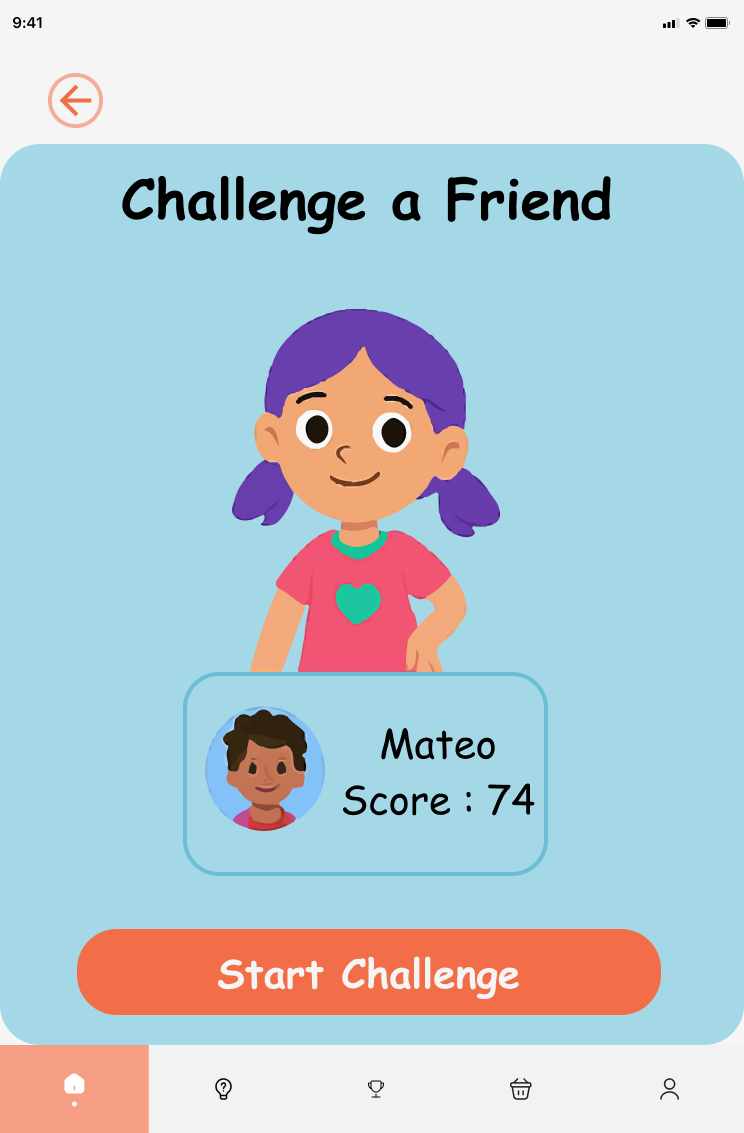
Progress / Level Up
Motivational advancement screen.
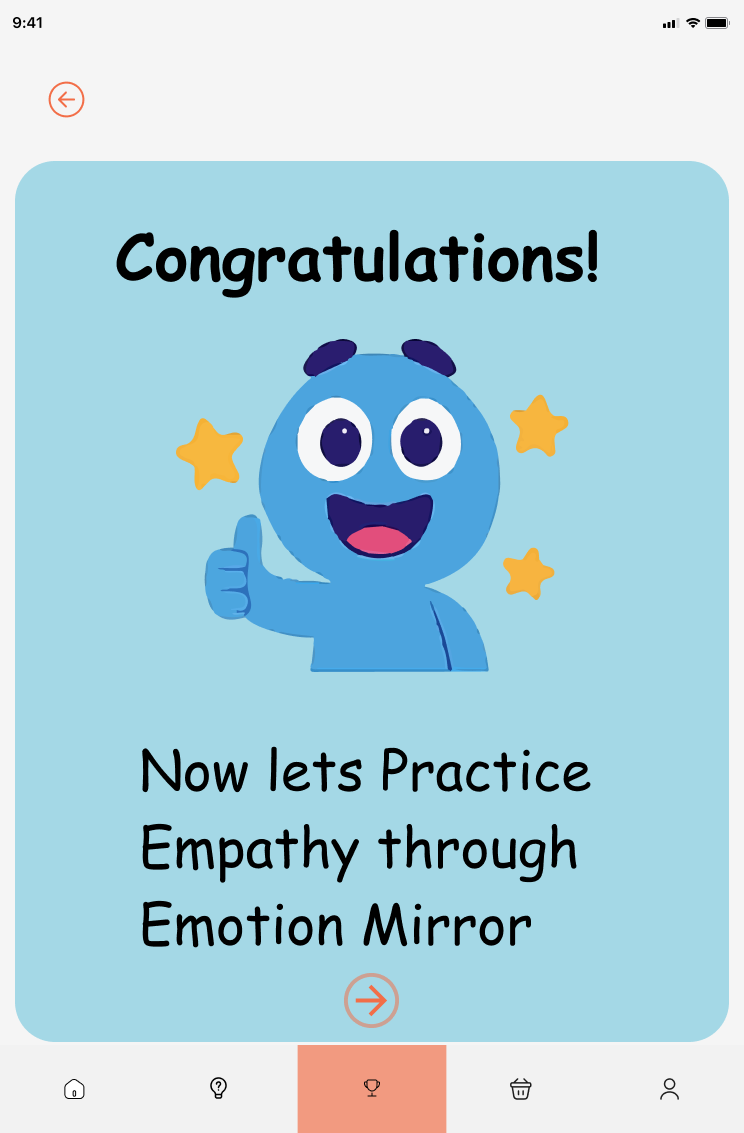
Congratulations Screen
Celebrating kindness and progress.
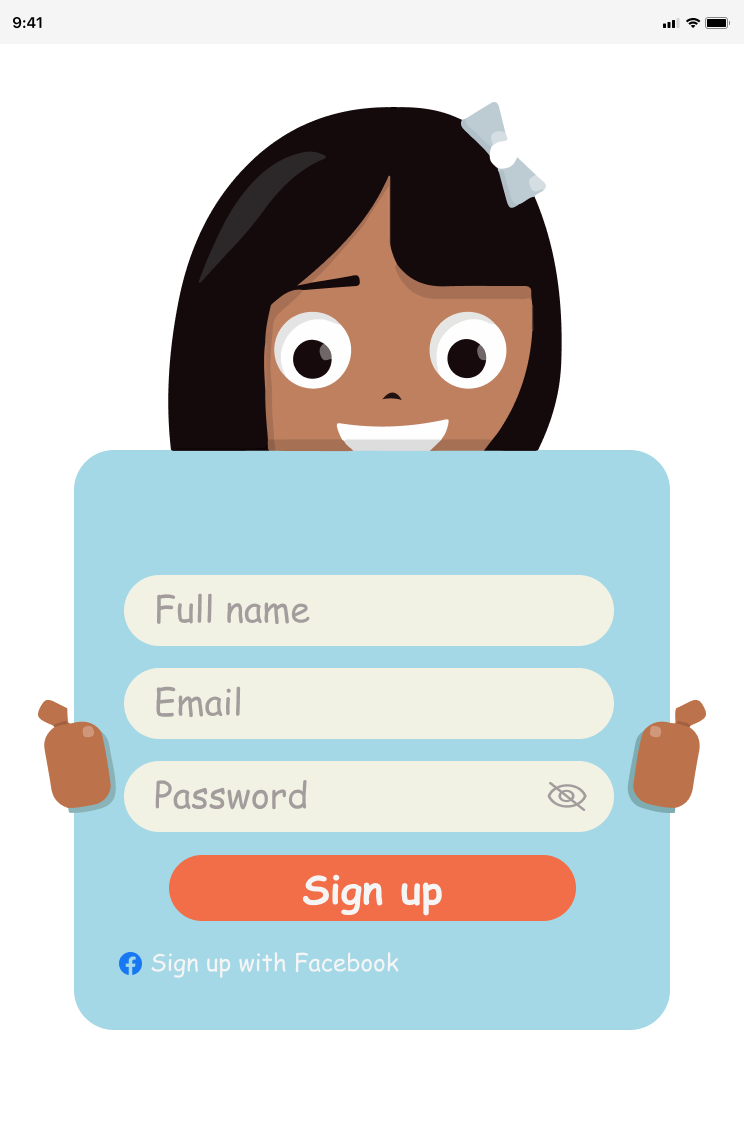
Sign Up (Optional)
For progress saving (if implemented).
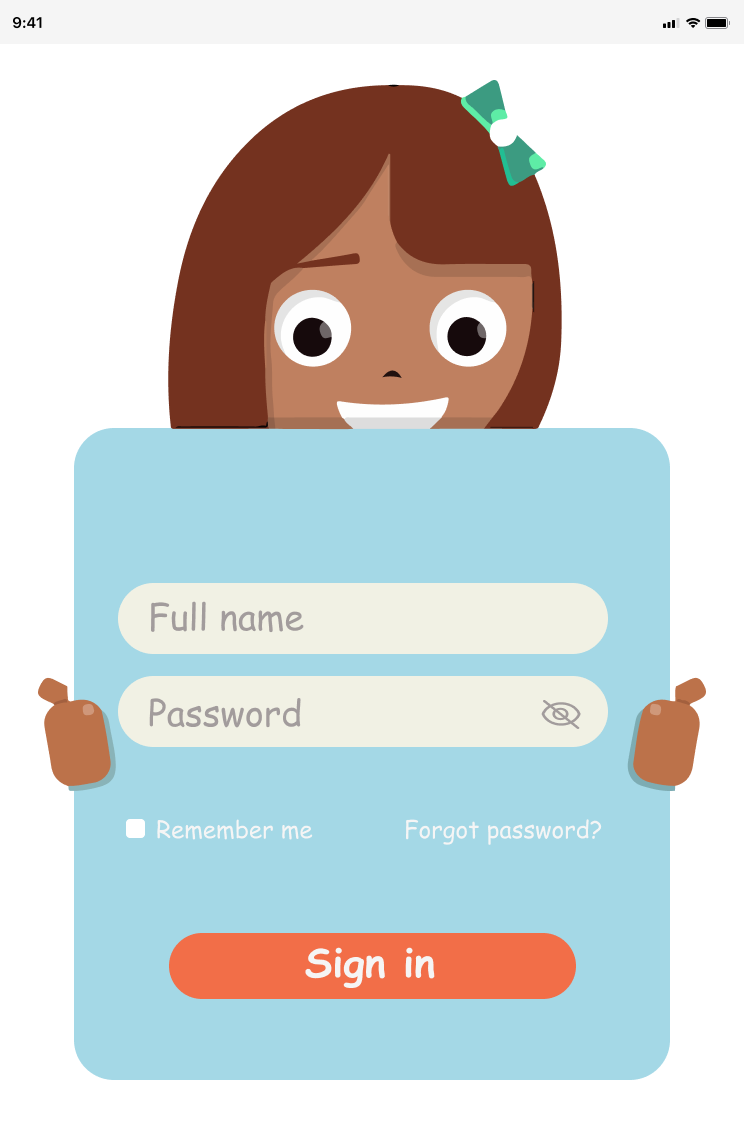
Sign In (Optional)
Returning user access.
Outcomes
Key Results & Impact
- Encourages emotional awareness at an early age
- Helps children practice empathy in safe, guided scenarios
- Builds confidence through consistent positive reinforcement
This project demonstrates my ability to create child-centered UX, emotionally intelligent interfaces, and meaningful educational experiences.
Future Improvements
Parent/Teacher Dashboard
Track progress and insights
More Emotions & Scenarios
Expand emotional range
Accessibility Options
Support for neurodiverse children
Voice Guidance
For early readers
Reflection
Designing for children requires clarity, patience, and empathy. This project strengthened my ability to simplify complex emotional concepts into intuitive, playful interactions while maintaining strong UX principles.